 PP Vault
Picture Password Vault
PP Vault
Picture Password Vault
PP Vault
Picture Password Vault
PP Vault
Picture Password Vault
A password you draw, not type
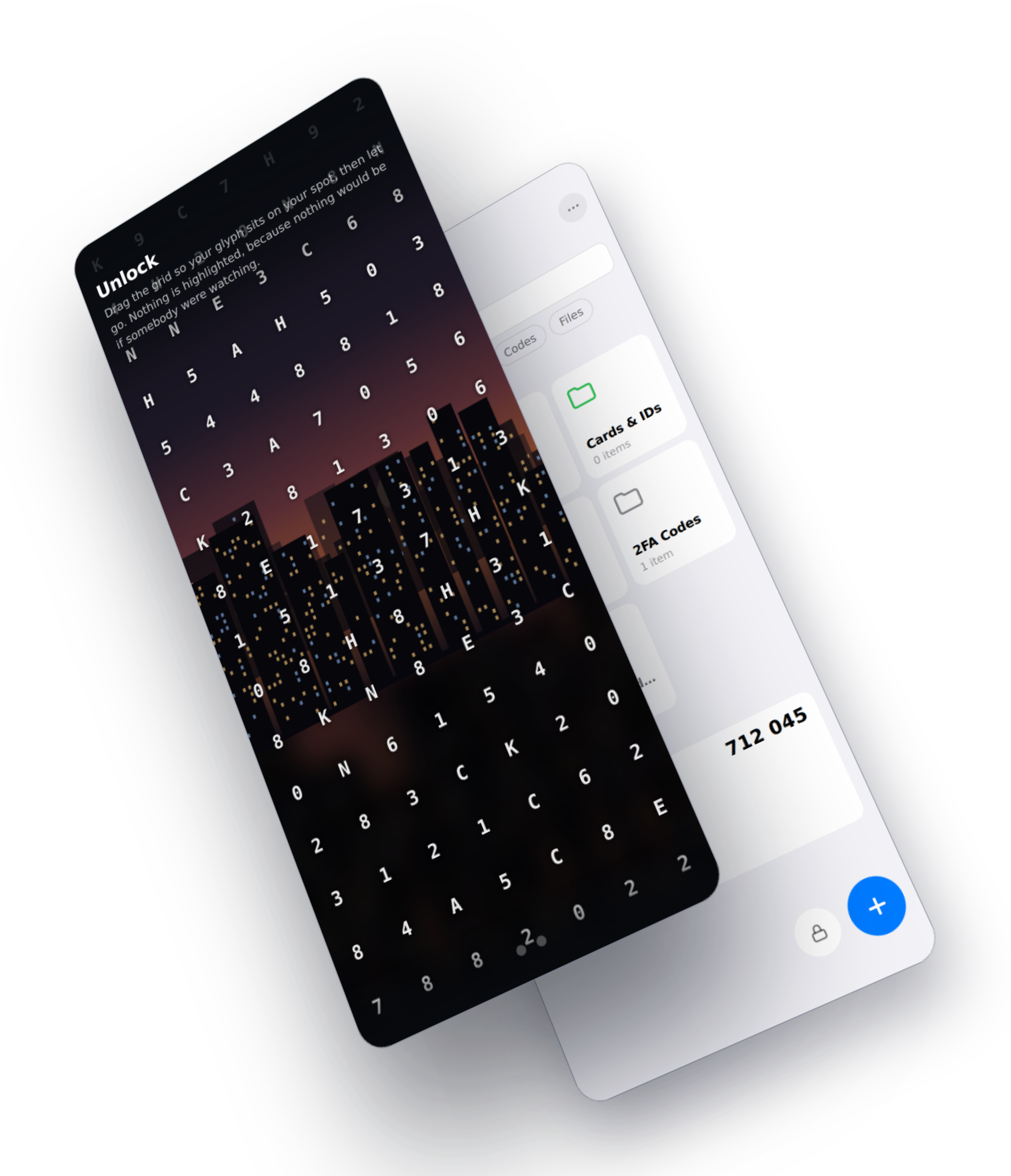
Notes, files, photos and two-factor codes, behind a picture password. Letters and numbers float over your own photograph. You drag them until your character lands on your spot. Someone standing over your shoulder sees a fingertip cross a picture.
no accountno serveryour vault stays with you
How it opens
After that, opening the vault is one drag per character. The grid reshuffles on every attempt, so no two unlocks look alike, and watching one teaches nothing about the next.
One photograph, and every secret lives on it. Busy beats beautiful: a crowd or a skyline gives you landmarks only you would think of, where one big subject has everybody picking the same eye.
From sixteen that cannot be misread: the digits, and A, C, E, H, K, N. B against 8 and O against 0 are gone, because a character you misread over a moving photo is a password you cannot enter.
Drag the whole grid until your character sits on your landmark, then let go. Your character turns up several times on the grid and any copy of it will do, so the one you were aiming with is not one anybody can pick out.
What it holds
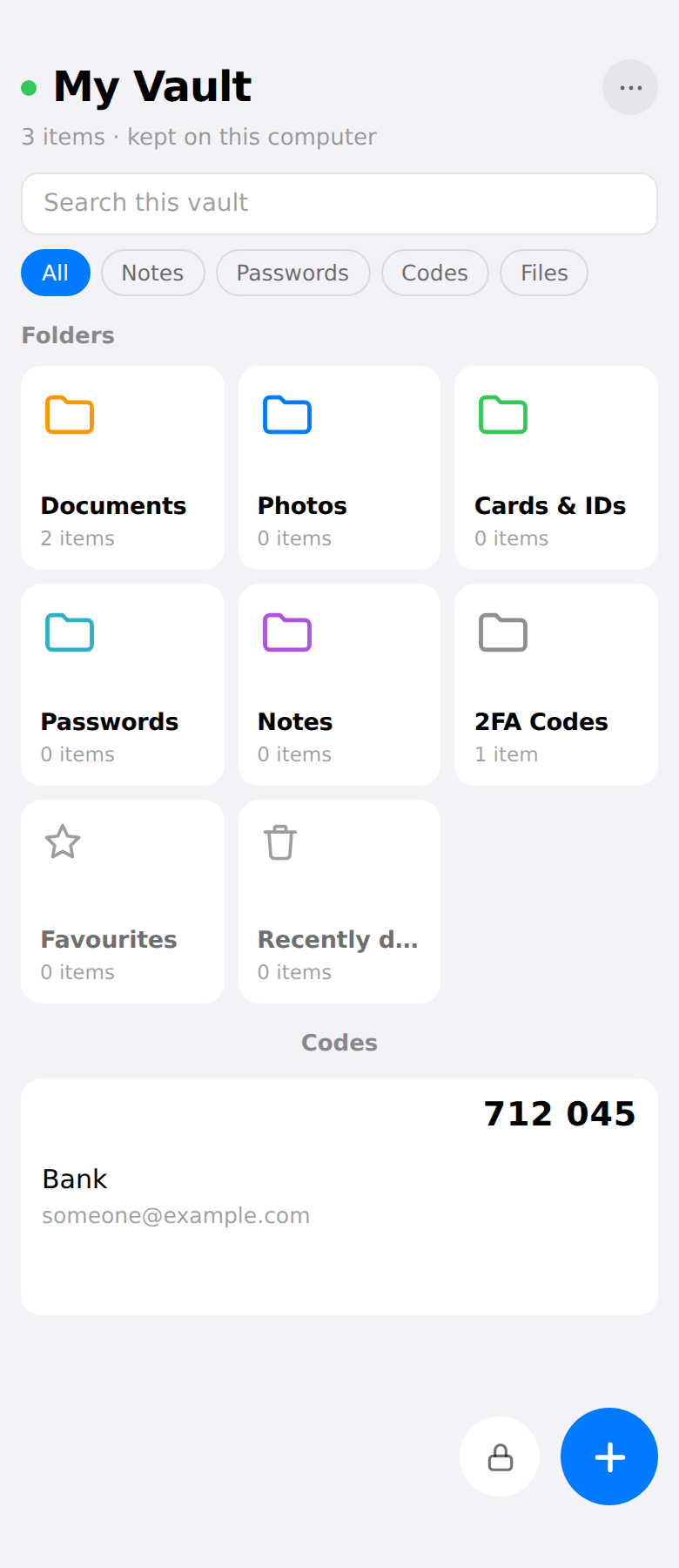
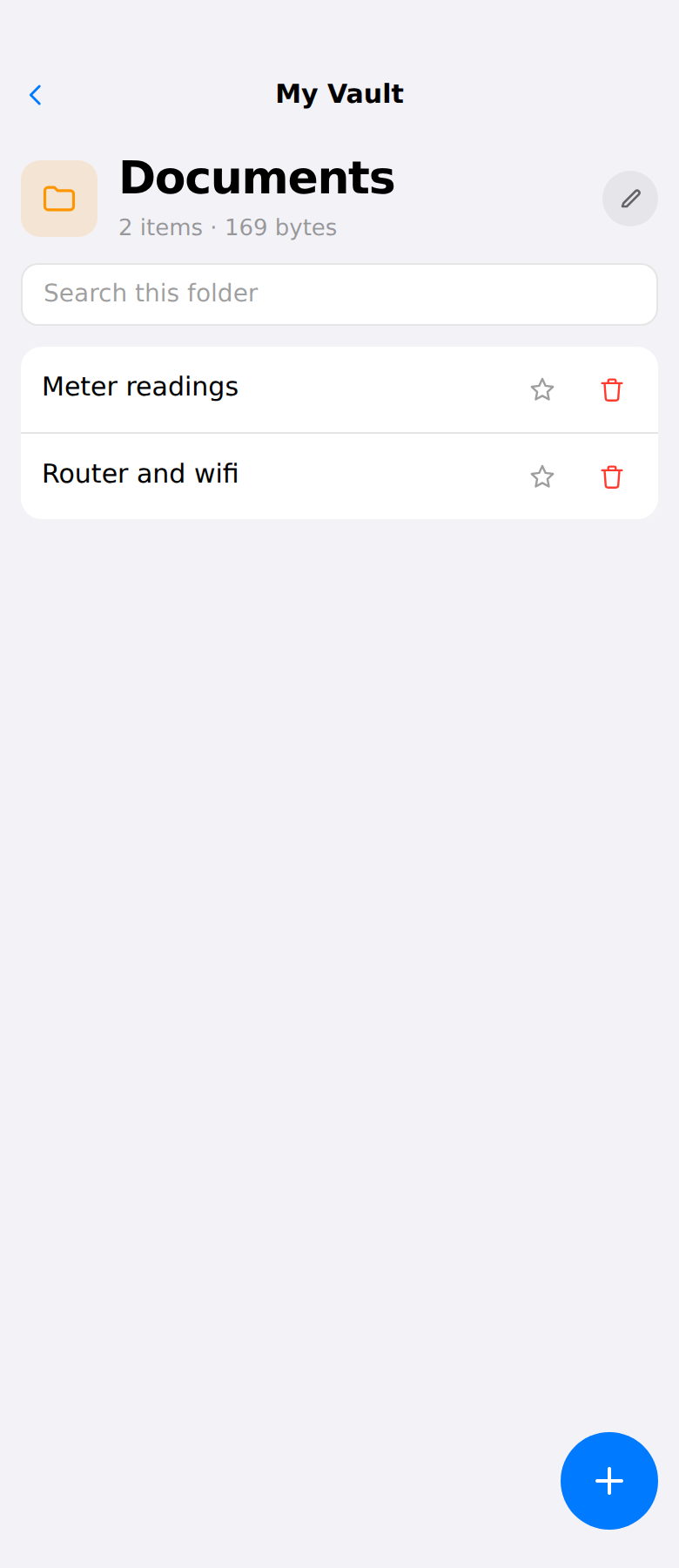
Notes, files, photographs, logins and two-factor codes, in folders you name and colour. Codes tick over on the home screen. Logins fill on the page you are looking at, and the extension asks for no standing access to any website to do it: clicking the toolbar button is what lets it reach that one page, until you leave.
Any folder can be locked again on its own, with its own drags on the same photograph or with an ordinary typed password. Recently deleted can be too. It is asked for every time, because walking out of a folder shuts it again: one unlock buys the trip in and back, not the rest of the afternoon. A locked folder keeps its contents out of the search, out of Favourites and away from the autofill sheet, and it is honest about what it is: a gate inside a vault you have already opened, not a second vault.
Nothing out of the vault is uploaded, and there is nothing to sign in to. The vault is a file on your own machine. The free Android app carries an ad, which is the one thing on this page that talks to anybody; it is two paragraphs down, and it is never given anything from in here.
Wi-Fi Hide
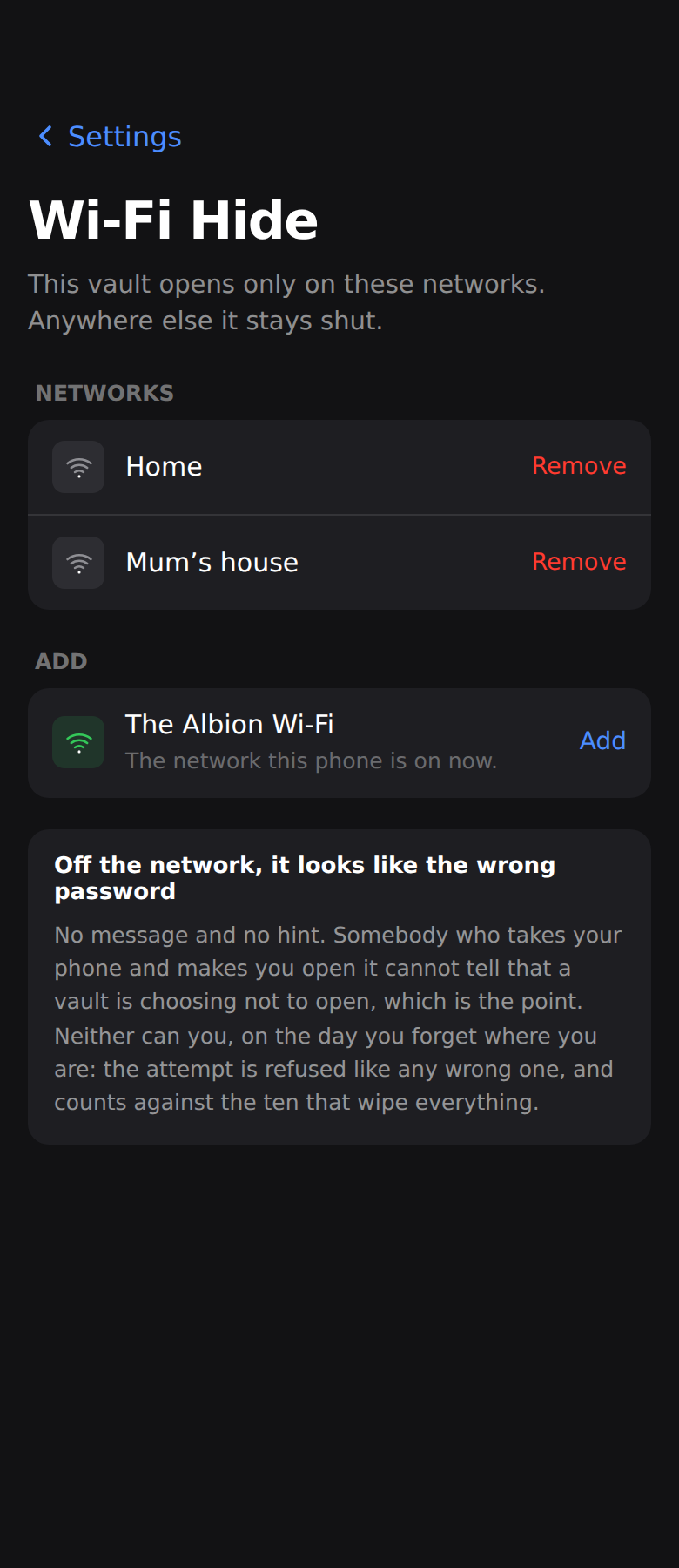
Any vault can be tied to the networks you name. Off them it does not refuse you. It is not there to refuse you: the lock screen is the same lock screen, your drags do what they always do, and the vault simply is not among the things they could have opened.
A rule can only ever add a requirement. There is no way to say "open when I am at home", because anyone can call an access point whatever yours is called and that would be a way past the picture password. The app cannot express it, by design: a network is one more thing an attacker has to be, never one thing fewer.
One folder can do it too, inside a vault that opens anywhere. Off the network it is not shut, it is absent: no row, no padlock, nothing on the screen to say a folder is missing. That is a smaller promise than the vault's and the difference is worth knowing, because the vault was never opened and this one was: it decides what the app lists, not what the key opens.
The silence costs you as well as them. On the day you forget where you are there is no message and no hint, and a vault's attempt counts against the ten that erase the copy. Nothing is derived from the network, so this is a rule rather than part of the key. A browser cannot see which network it is on, so it never opens a vault with a rule and never lists a folder with one.
It needs permission to see your location, and uses none of it. Both phones put the name of the Wi-Fi you are on behind that permission, and the name is the only thing the app asks for: no position is read, kept or sent. Worth knowing after a restore in particular, because a fresh install has allowed nothing yet and a rule the app cannot check is a rule it keeps. What to do if something has not come back.
Backups
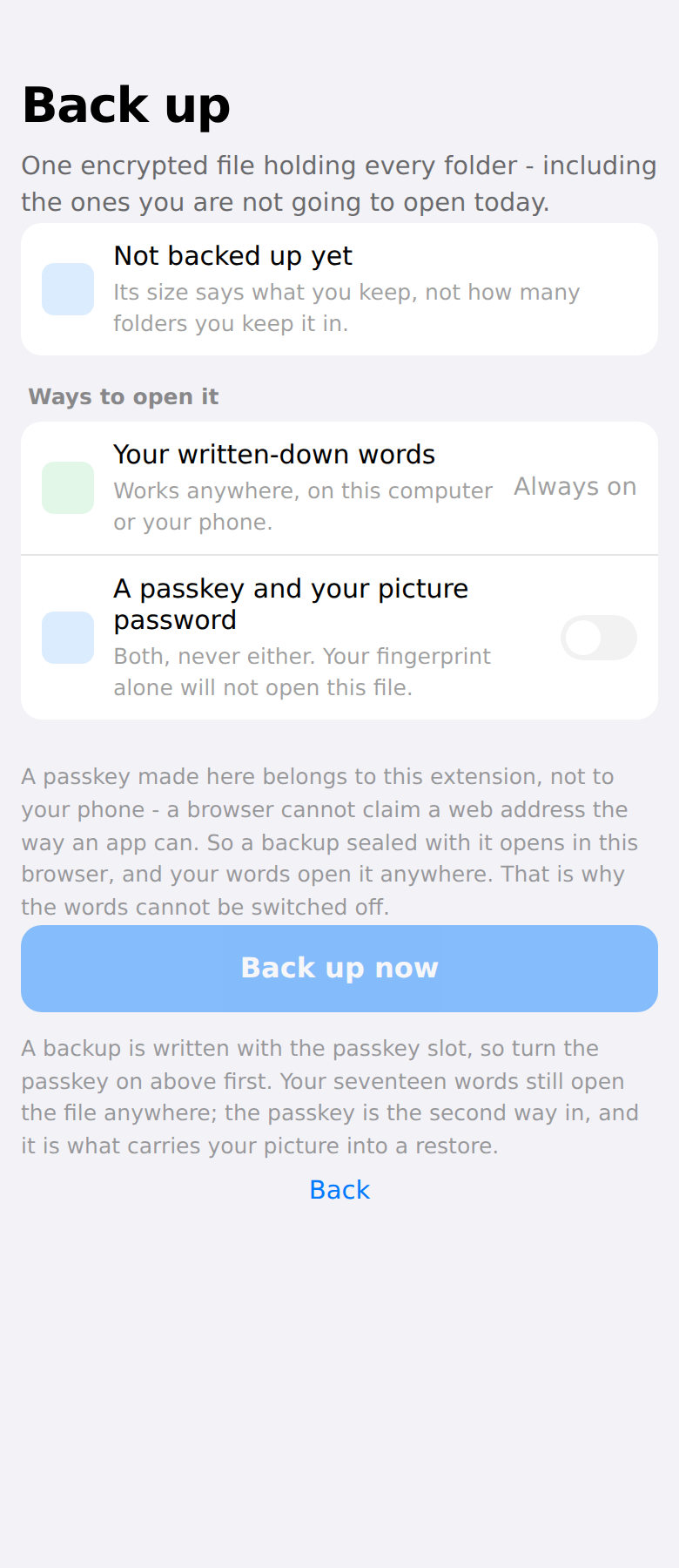
A backup holds every vault, including the ones you were not going to open today, and its size says what you keep rather than how many vaults you keep it in.
Seventeen written-down words open it anywhere, with no account and no passkey. A passkey and one other half open it too, both together and never either alone, so a stolen phone with a known PIN is not a way round the drag.
The other half is yours to pick: the picture password that opened the vault, or a password you type for backups and nothing else. The drags are the shorter thing to remember; a typed one is easier on the day your phone has gone and you are drawing on a photograph you hope you still have. Either way the passkey is asked for first.
Said plainly
Three apps, one mechanism
The phones run one implementation of the scheme, the archive format and the throttle, so nothing about how a vault opens exists twice. A browser cannot run that code, so the extension carries its own, and the two are held against each other by fixtures written from one and asserted by the other. A backup made on either opens on both.
Folders, notes, files, photos and codes in the side panel, and logins filled into the page you are already looking at.
Folders, notes, files and codes, with the key held in the Keystore and in StrongBox where the phone has it.
The same mechanism again, with the key held by the Secure Enclave.
App Store, soon